
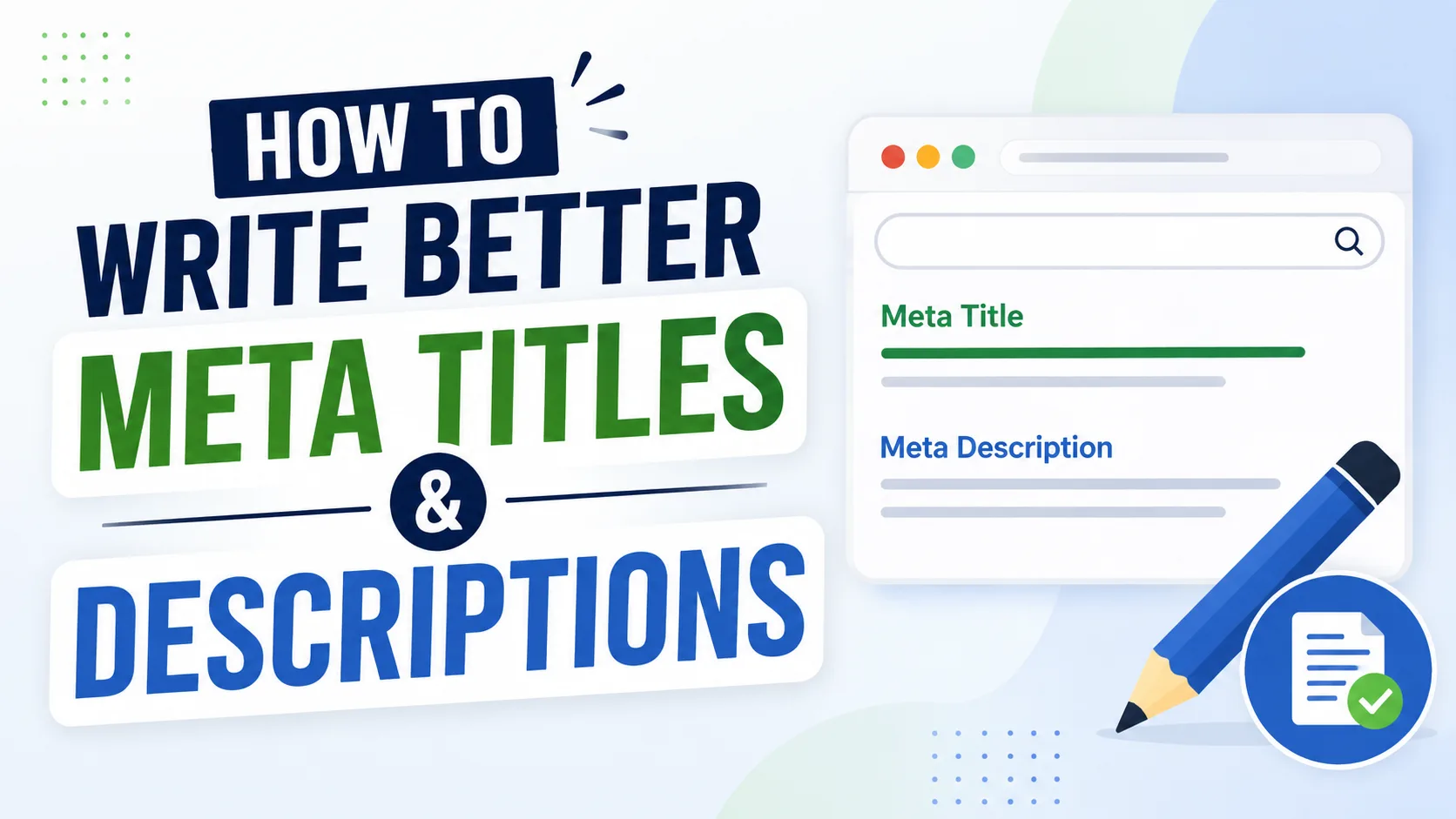
How to Write Better Meta Titles and Descriptions
Search snippets are often a visitor's first impression of your page. Before anyone reads your article or tries your tool, they see a title and a short description sitting in a list of results. Good metadata has one job: describe the page clearly and honestly, so the click matches what's actually waiting on the other side.
Start With the Purpose of the Page
Before writing a single word of metadata, get clear on what the page actually helps someone do. A calculator, a tutorial, an article, and a company "About" page all serve different purposes — and your title should reflect that instead of leaning on the same generic phrase across the whole site.
A strong title combines the subject with useful context. "Free Mortgage Calculator — Monthly Payments in Seconds" tells you far more than plain "Mortgage Calculator" ever could. What it shouldn't become is a pile of stitched-together keywords. Clarity beats keyword-stuffing every time, and it's also what modern search engines reward.
Write the Description for a Real Visitor
A good meta description answers one simple question: what will I find if I click this? Mention the action, the information, the audience, or any real limitation — whatever makes the page genuinely useful to know about in advance. And don't promise something the page doesn't deliver. That's the fastest way to earn a bounce.
There's no magic character count that guarantees a perfect snippet. Search engines rewrite descriptions constantly, and display rules vary across devices and platforms. Character counters are worth using, but treat them as a rough guardrail, not a hard rule.
Make Important Pages Distinct
Templates save time, but every page that matters deserves wording that reflects what it's actually about. Ten pages with nearly identical descriptions tell visitors almost nothing, and they make life harder for whoever has to maintain the site later.
Before publishing, run your title, description, and social preview through the Meta Tag & Open Graph Previewer. Use it as a sanity check, not a guarantee — different platforms will still render things slightly differently.
Review the Complete Page
Your metadata should line up with the visible heading, the opening paragraph, the canonical URL, and any structured data on the page. If those elements tell different stories, don't patch it with clever tags — fix the page itself.
A Simple Publishing Checklist
Read the title on its own, with no other context. Does it make sense? Read the description — does it explain the real benefit without overselling it? Then open the live page and confirm it delivers on what you just promised. Finally, double-check the canonical tag and social metadata in the source.
Quick recap before you hit publish:
- Title reflects the page's actual purpose (not a keyword list)
- Description answers "what will I find here?" honestly
- No two important pages share near-identical metadata
- Heading, opening paragraph, and canonical URL all agree
- Preview checked before going live
Why This Matters in Practice
This advice becomes genuinely useful once you treat it as a habit, not a checklist. Most people just want a clear result they can act on. Start with what you already know, check it carefully, and adjust one thing at a time — that keeps mistakes easy to spot before they turn into bigger problems.
Context matters too. What works on one page might completely miss the mark on another. Think about the page's purpose and who's actually landing on it, rather than applying a rule blindly. Clear structure and sensible choices usually beat unnecessary complexity.
A Sensible Working Method
Start with the basics — don't try to solve every possible edge case at once. Review what you're working with, draft your title and description, then ask honestly whether they answer the visitor's real question. If something's off, adjust one detail at a time. It's the easiest way to actually know what fixed it.
A short review pass before publishing is always worth the five extra minutes. Look for vague wording, repeated ideas, factual slip-ups, or anything that might leave a reader confused. Good metadata doesn't need to sound clever — often, the plainest explanation is also the one that converts best.
Mistakes That Are Easy to Avoid
Rushing is probably the single biggest source of avoidable errors. A close second: piling on extra settings or features simply because they exist. More options rarely mean a better result — keep what serves the purpose, cut what doesn't.
It's also worth resisting the urge to copy-paste an AI-generated or templated description without reading it first. Tools save real time, but anything that goes live still deserves a human glance. A quick check against your original goal can save you from publishing something inaccurate or just slightly off.
Building Better Habits Over Time
The best improvements come from paying attention over time — noticing what works, what confuses people, and what consistently needs fixing. Turn those observations into your own simple checklist. One built from your actual mistakes will always beat generic advice pulled from a blog post (including this one).
For meta titles and descriptions specifically, consistency beats perfectionism. Use a repeatable process, verify the details that matter, and keep the end result focused on what the reader actually needs.
Conclusion
A genuinely helpful guide should leave you more confident, not more overwhelmed. Take what applies to your situation, keep your process practical, and return to the fundamentals whenever things start feeling more complicated than they need to be. Careful input, sensible decisions, and one last review before you hit publish — that's most of the job, in almost any kind of digital work.