
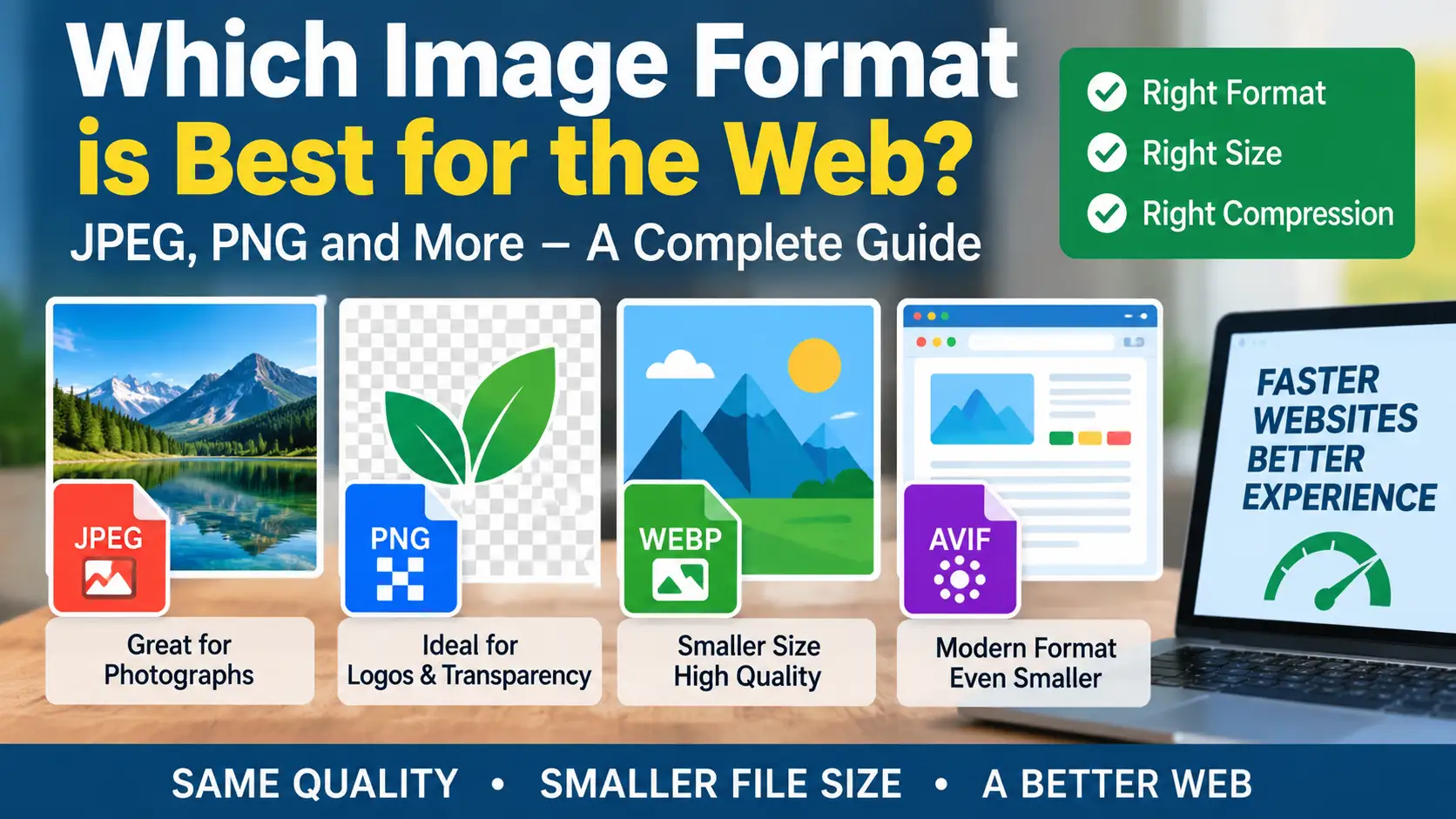
If you've ever uploaded a photo to your website and watched your page speed score tank, you already know that image format isn't just a technical footnote — it's one of the easiest wins available for a faster, better-performing site.
The short answer: there's no single "best" format. JPEG, PNG, and WebP each solve a different problem, and picking the wrong one is one of the most common (and most fixable) mistakes on the web today.
Here's how to choose correctly, every time.
JPEG: Still the Right Call for Photos
JPEG uses lossy compression — it throws away some image data to shrink the file. For photographs and other visually complex images, this trade-off is barely noticeable but the file size savings are significant.
Use JPEG when:
- You're compressing photographs
- The image has lots of color variation, gradients, or texture
- You need broad, universal compatibility
At sensible quality settings (usually 70–85%), a JPEG can be a fraction of the size of the original with no visible difference to most viewers.
PNG: Built for Precision, Not Photos
PNG uses lossless compression, meaning it keeps every pixel exactly as it was. That makes it the right choice when accuracy matters more than file size.
Use PNG when:
- You're saving a screenshot
- The image has sharp edges, text, or flat colors (like a logo)
- You need transparency
The catch: PNG is a poor fit for photographs. Compressing a photo as PNG usually produces a much larger file than the same image saved as JPEG or WebP, with no real quality benefit.
WebP: The Modern All-Rounder
WebP was built to solve the JPEG-vs-PNG trade-off. It supports both lossy and lossless compression, and it handles transparency too — so it can often replace either format while producing a smaller file.
Use WebP when:
- You want the smallest reasonable file size for web delivery
- You need transparency and efficient compression
- Your audience is on modern browsers (nearly universal support today)
One caveat worth knowing: converting an already-compressed JPEG into WebP doesn't undo the damage. If you start from a heavily compressed source, you're just compressing compression artifacts. For the best result, convert from the original, uncompressed source whenever possible.
Resize Before You Compress
This is the step people skip — and it usually matters more than format choice.
If an image displays at 900 pixels wide on your page, there's no reason to serve a 5,000-pixel original. The browser will just scale it down, and your visitor pays the download cost for pixels they'll never see.
The order that actually works:
- Resize the image to the dimensions it will actually display at
- Then apply compression and pick your format
Getting this order right often improves load time more than switching formats ever will.
Check the Result at Real Size
Don't judge a compressed image while zoomed in at 300%. Look at it the way a visitor actually will — at its real display size, on a real page.
Watch for the classic warning signs of over-compression:
- Blurry or fuzzy text
- Visible blocky patches (JPEG artifacting)
- Halos around sharp edges
- Loss of fine detail in busy areas
If you see any of these, back off the compression slightly and re-check.
Never Overwrite Your Original
This one's simple but easy to forget: keep your uncompressed source files somewhere safe. Once you've overwritten your only high-quality copy with a compressed web version, there's no getting it back if you need to resize, reformat, or re-export later.
A simple habit — a dedicated "originals" folder, separate from your "web-ready" exports — saves a lot of pain down the line.
The Bottom Line
There's no universal winner between WebP, JPEG, and PNG — only the right tool for the image in front of you:
| Image type | Best format |
|---|---|
| Photographs | JPEG (or WebP) |
| Screenshots, logos, sharp graphics | PNG (or WebP) |
| Anything needing transparency | PNG or WebP |
| General web delivery, smallest file size | WebP |
Pick the format based on the image, resize before you compress, verify quality at real display size, and always keep your originals. That's the whole system — no guesswork required.